Getting found by customers in your area starts with Google Maps and local SEO. Google Maps isn’t just a navigation tool — it’s one of the most powerful discovery engines for local businesses. People searching for services like yours nearby can become real customers if your profile is optimized correctly.
Here’s a practical process to help you capture local leads using Google Maps and your Google Business Profile effectively:
1. Create and Claim Your Google Maps Business Profile
First, make sure your business is listed on Google Maps. If it’s already there, claim it — this gives you full control over the profile. If not, add it manually with your exact name, address and contact details.
Why this matters: Without claiming and verifying your listing, you can’t optimize or appear prominently in local searches.
2. Complete Every Section with Accurate Information
A complete profile helps Google understand and trust your business. Include:
- Business name
- Complete address and service area (if applicable)
- Phone number and website
- Business hours and special hours
- Categories and services
- Description with relevant local keywords
Make sure your NAP (Name, Address, Phone) is consistent across all listings and your website.
3. Optimize with Local Keywords and Descriptions
In your profile’s description and on your website pages, use location-based keywords that potential customers search for, such as “plumber in [city]” or “best café near me”. This helps Google match your profile with relevant local searches.
4. Add High-Quality Photos and Visuals
Photos make your profile more engaging and help customers recognize your business. Upload images of your location, products, services, team, and interior. Regularly adding photos signals activity to Google and improves visibility.
5. Gather and Respond to Customer Reviews
Reviews are a key signal for Google and users alike. Encourage happy customers to leave reviews and respond respectfully to feedback — both positive and negative. Profiles with strong review activity often rank higher and build credibility.
6. Use Posts, FAQs and Updates
Google Business Profile allows you to post updates, announcements and offers. Adding posts and FAQs helps engage users and shows Google that your profile is active and relevant.
7. Monitor and Improve with Insights
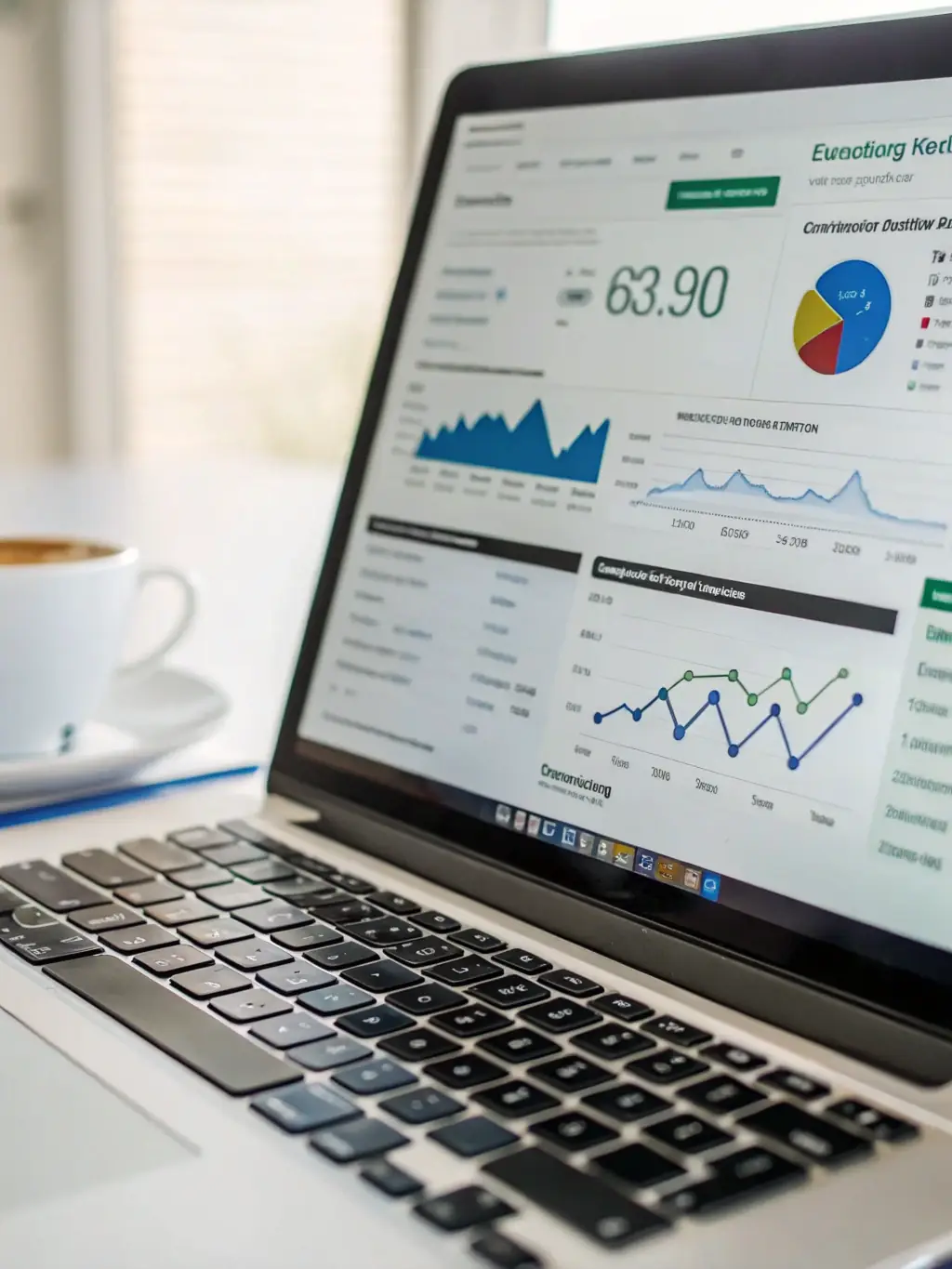
Google provides Insights showing how customers find and interact with your profile. Track metrics such as searches, actions (calls, clicks, direction requests) and adjust your strategy accordingly.
8. Support Your Profile with Website SEO
Embed a Google Map on your site’s contact page and align local keywords between the profile and your website. A responsive, mobile-friendly site improves both user experience and local rankings.
Summary: A Repeatable Process
By following this process — from listing and verifying your profile to optimizing content, gathering reviews, and tracking performance — you create a local discovery system that attracts qualified customers right from Google Maps. The more complete and active your profile, the more likely you are to appear in relevant searches and get new leads.